


Screen time
Screen time by age: how much is too much for your child?
Hami Team8 min read
 Hami Team7 min read
Term-time rules usually break in the holidays because the day itself changes: there are no lessons, bedtime drifts and the free hours are many. A plan that survives week two decides the holiday allowance in advance, writes it down, fills the day with a few anchors that are not screens and keeps sleep and meals fixed. This guide gives you that plan, the exception for travel days and a way back to the school routine, with the Hami settings to change.
In term, school takes a large part of the day and the phone fits around it. In the holidays the same limit sits in a day with eight more free hours. The child is bored sooner, the parent is working or tired, and the limit gets bent a little each day. By week two nobody remembers what the rule was, and the next argument is about the rule's existence rather than its size.
The fix is not to hold the term rule harder. It is to write a different rule for a different season and to agree it before the break starts.
Do it together, in advance, and write it down:
Look at screen time by age for a sensible frame, and at the family phone agreement if you want the holiday plan in writing next to the term rules.
A first-this list puts a few things before the screen without turning the screen into a prize. For example: "outdoors for an hour, tidy your room, read for twenty minutes, then screens". Keep it short, keep the items real and let your child write part of it. A list that is long or that feels like a chore will be avoided; a list of three things that the child chose is more likely to be done.
If you want the phone to do the counting for the reading or learning part, conditional time turns minutes in an app you choose into game time. It works best when the earning app is something your child likes.
Anchors are parts of the day that are not negotiable and are not screens. They give the day a shape. Examples:
Two or three anchors are enough. Their purpose is not to fill the day but to give the child something to look forward to that is not the phone.
Be honest: a ten-hour journey with a screen-free rule is a rule you will break. Plan the exception. Agree beforehand that a long journey has a bigger allowance, pack a few offline options such as downloaded films, audiobooks, a book and a travel game, and go back to the plan when you arrive. A planned exception is a rule; an improvised one is a loss.
If you use Hami, remember to add time from your phone on the day if the limit would otherwise lock the phone in the middle of the journey.
Do it over the last week of the break, not on the last night:
A week of preparation is much easier than a week of resistance.
Your child sees these rules in Hami Kids, so the changes are not a surprise. On an iPhone the daily limit counts the phone's total screen time; the rule differences are in the iPhone guide.
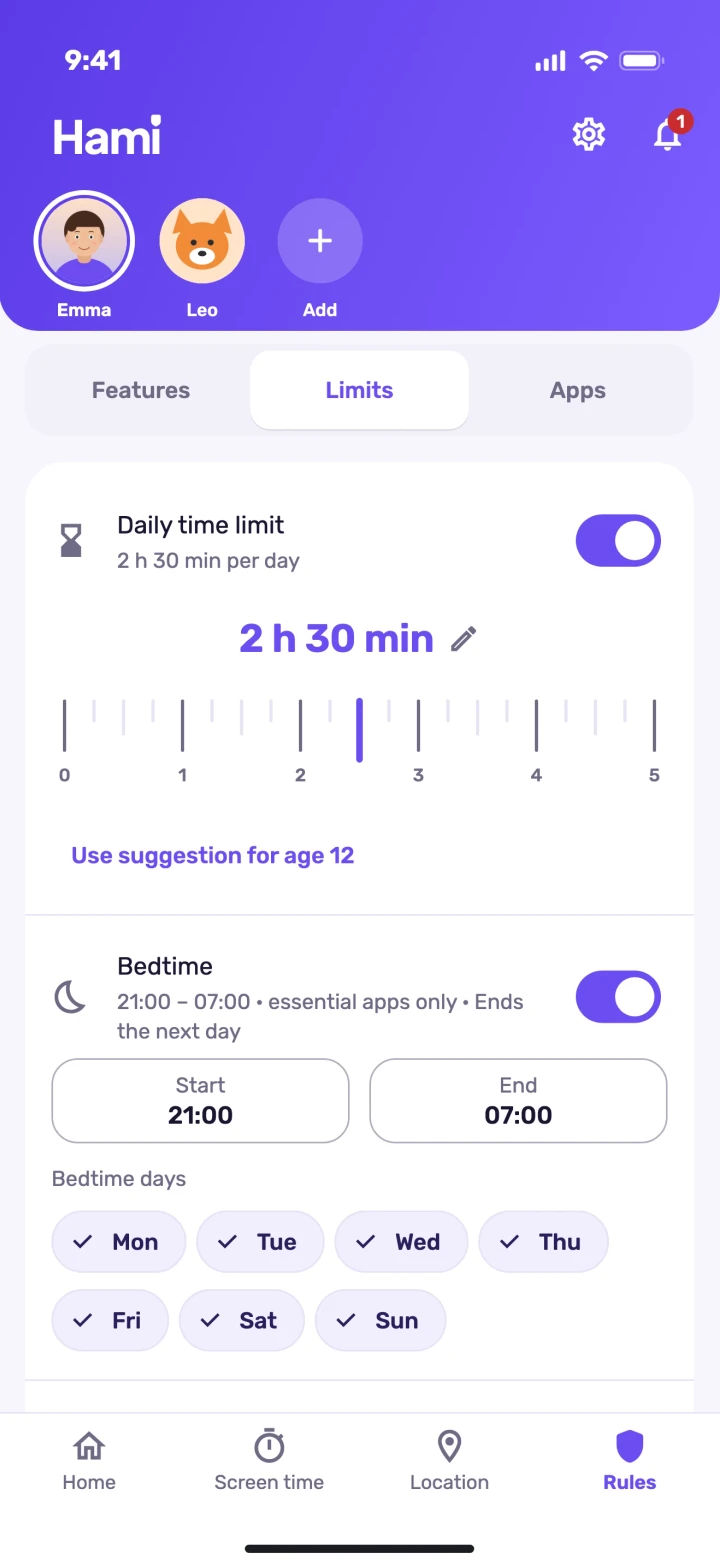
Before the break starts, sit down with your child, write a weekday and a weekend number and three anchors. Change the daily limit in Hami and turn school time off. Check in after the first week and set the date for going back.
Often a little, because the day has more empty hours. Decide the holiday amount in advance and write it down, so that it is a plan and not a slow slide. Keep sleep and meals fixed.
Turn it off. Hami does not know the school calendar, so school time keeps applying until you change it. Do it at the start of the break and turn it back on a few days before school.
Treat them as an honest exception: a bigger allowance for the journey, agreed beforehand, with a few offline options packed as well. Then go back to the plan.
Start a week before school: move bedtime earlier in two or three steps, turn school time back on and cut the holiday allowance back to the term amount.
Screen time
Hami Team8 min read

Bedtime & school
Hami Team7 min read
Bedtime & school
Hami Team6 min read
Set it up in about five minutes. Your child can always see which rules are on.