
Protecting Hami Kids from removal (Android and iPhone)
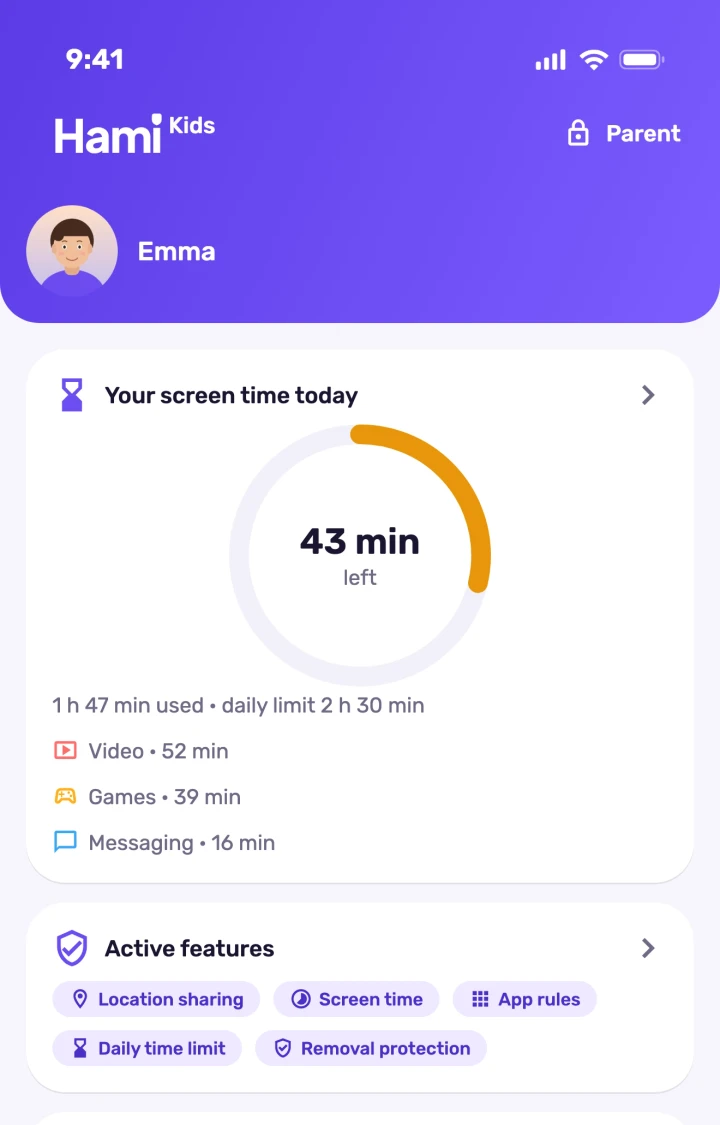
On Android, Hami Kids is protected against removal: uninstalling requires the parent PIN, and you are notified if the child tries to turn protection off. On an iPhone it depends on whether the child uses a child Apple Account in Family Sharing; without one, iOS lets the child delete the app. The remedy then is to set a Screen Time passcode on the child's iPhone and choose "Don't Allow" for "Deleting Apps". Hami tells you this in the app and shows the steps.
Let us be honest from the start: no parental control app can promise that a determined child can never remove it. Hami's approach is to make protection as solid as the platform allows, to tell you when it is removed, and to tell the child openly what it does.
How removal protection works on Android
If you selected Removal protection during setup, Hami Kids asks for Android's device administrator permission and the accessibility permission; the child reads what each is for. While it is on:
- Hami Kids cannot be uninstalled the normal way. To remove it, you tap the Parent button in Hami Kids, enter your PIN and choose "Unpair and remove from this phone". The phone leaves the family, protection ends, and you are notified.
- If the child goes to Hami Kids' app info page in Android Settings and tries to turn protection off, Hami recognises its own page and blocks it. For this it looks only at the text of the Android Settings screen; it reads no other app's content, and that text is never stored or sent.
- If protection is removed, a permission is revoked or web protection is lost, you receive a Protection tampering notification. If the child's phone is offline, the notification arrives when it reconnects.
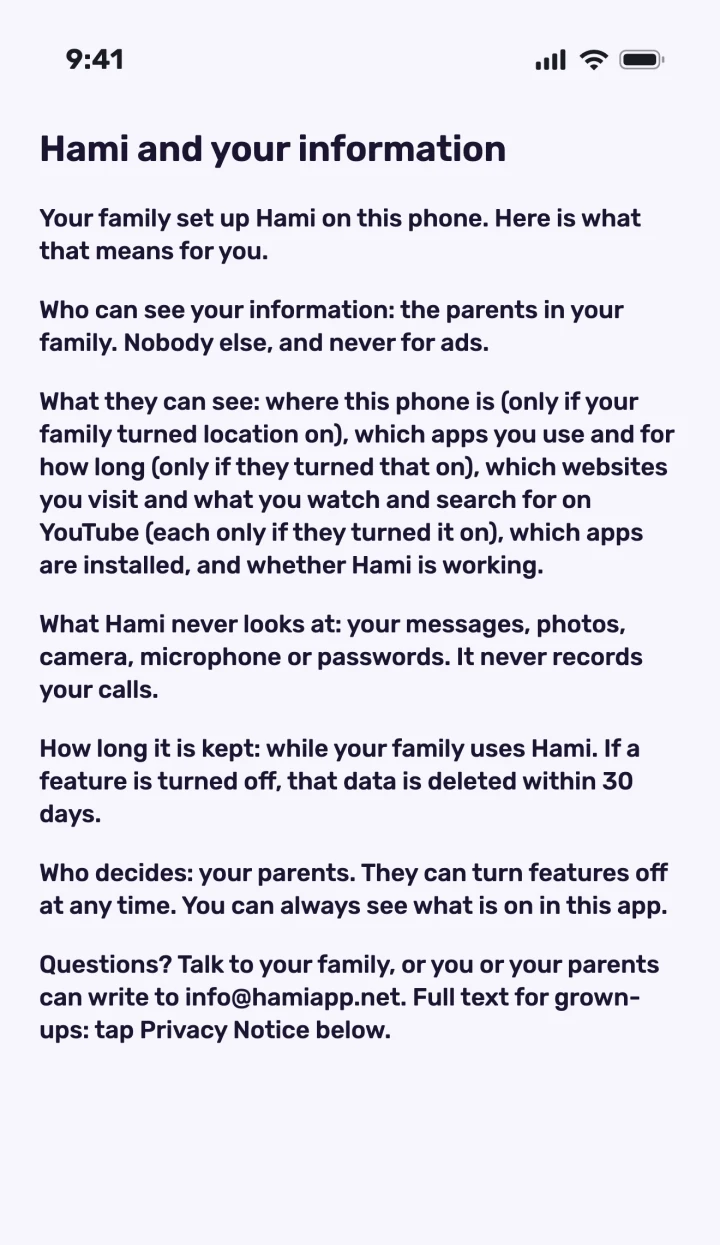
The child sees the line "Hami cannot be removed without your parent" in Hami Kids; the protection is not hidden.
A known limit: on some Android launchers, long-pressing the home-screen icon and choosing "Uninstall" may not be among the windows Hami recognises. The device administrator permission still blocks the removal; only the attempt notification may not reach you.
Two situations on iPhone
With a child Apple Account in Family Sharing. Hami Kids receives Screen Time authorisation in "child" mode, and Apple does not allow the app to be removed without parent approval. No extra step is needed; Hami shows this on the Rules screen.
The child uses their own (adult) Apple Account or is outside Family Sharing. iOS allows Hami Kids to be deleted. Hami does not hide this: the Rules screen says "Removal protection needs one more step on this iPhone", and the child sees "removal protection unavailable" in Hami Kids. If the app is deleted, Hami only notices when the phone stops checking in and sends you a "phone offline" warning; that is best effort, not a tamper alert.
Blocking app deletion on iPhone with a Screen Time passcode
These are Apple's own settings and are done on the child's iPhone. About two minutes:
- On the child's iPhone, open Settings › Screen Time.
- Tap Use Screen Time Passcode and set a code your child does not know. Make it different from the phone's unlock code.
- Open Content & Privacy Restrictions and turn it on.
- Go to iTunes & App Store Purchases › Deleting Apps and select Don't Allow.
- In Hami, tap Done on the notice on the Rules screen. Hami cannot verify this Screen Time setting; the mark is your own confirmation.
Menu names can differ slightly between iOS versions; what you are looking for is the "Deleting Apps" option. This setting blocks deleting every app on the phone, not only Hami Kids; when the child wants to delete an app, they will ask you for the passcode.
The most robust route is still a child Apple Account in Family Sharing. The passcode method is a good fallback, but a child who learns the Screen Time passcode can undo it.
Keeping the parent PIN safe
On Android, protection rests on your PIN. Choose one that is hard to guess (Hami rejects very simple PINs), avoid entering it in front of the child, and share it with your partner; the PIN applies family-wide. To change it, go to Settings › Parent PIN in Hami. Settings also holds an offline unlock code for unlocking the child's phone while it is offline.
More
Why transparency works better than removal protection: Transparent parental control versus secret monitoring. The other iPhone limits: What parental controls can do on an iPhone. Questions: FAQ or [email protected].
Last updated 2026-11-25